
A workspace per account
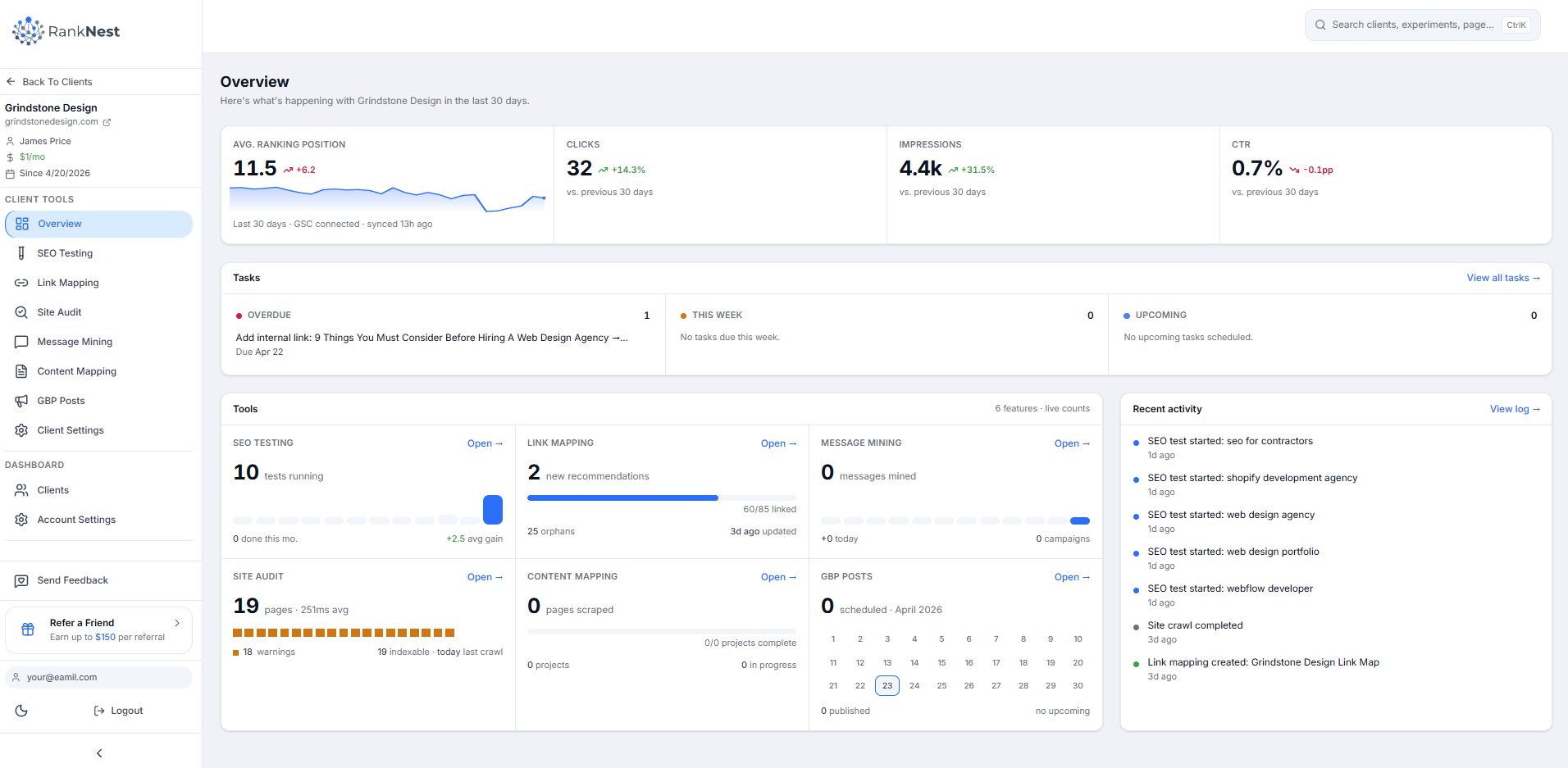
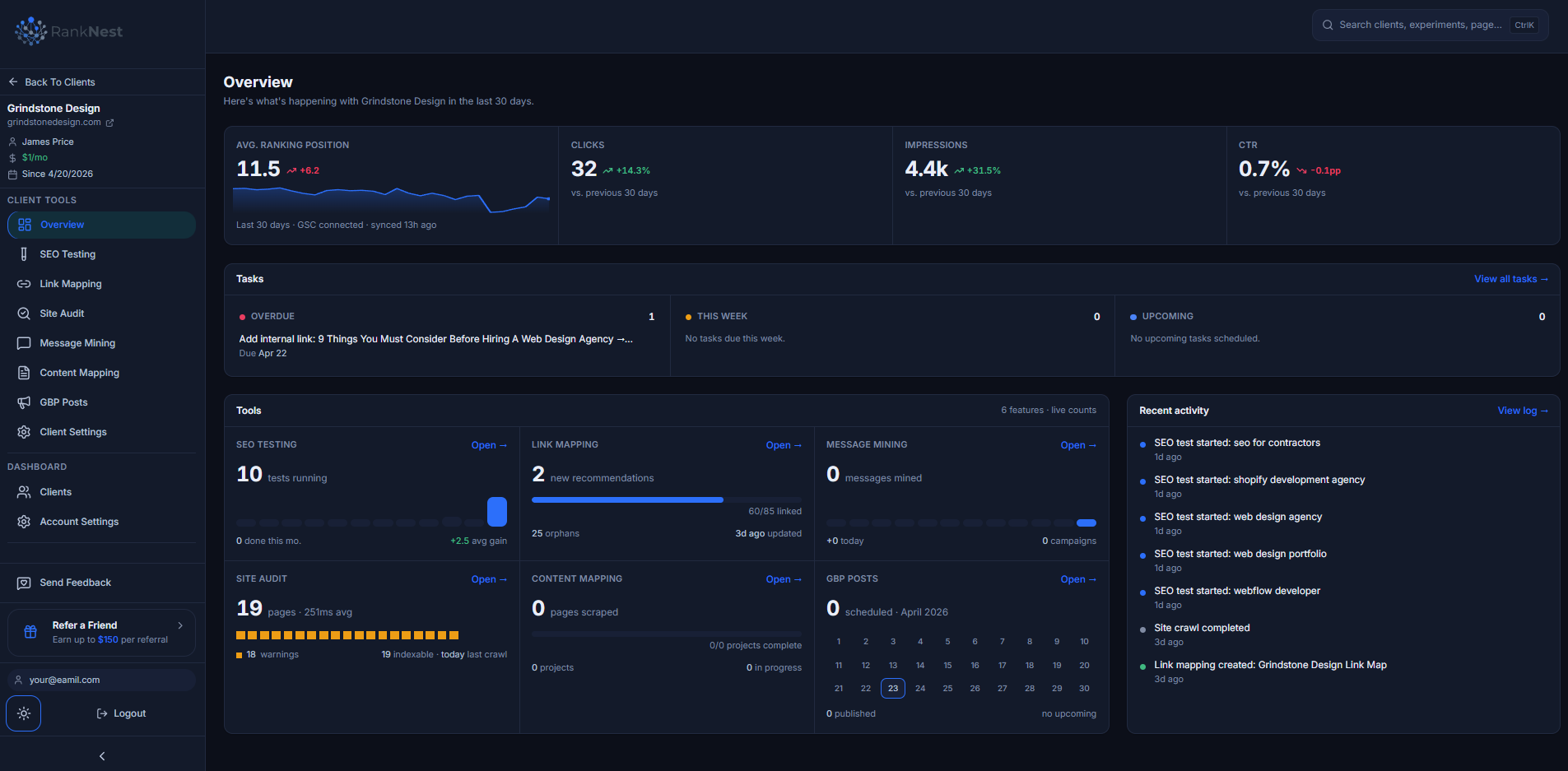
RankNest is built around clients, not disconnected projects. Every audit, link map, SEO test, GBP post, and general task lives under the right client, so account managers know what happened, what's due, and what needs attention.
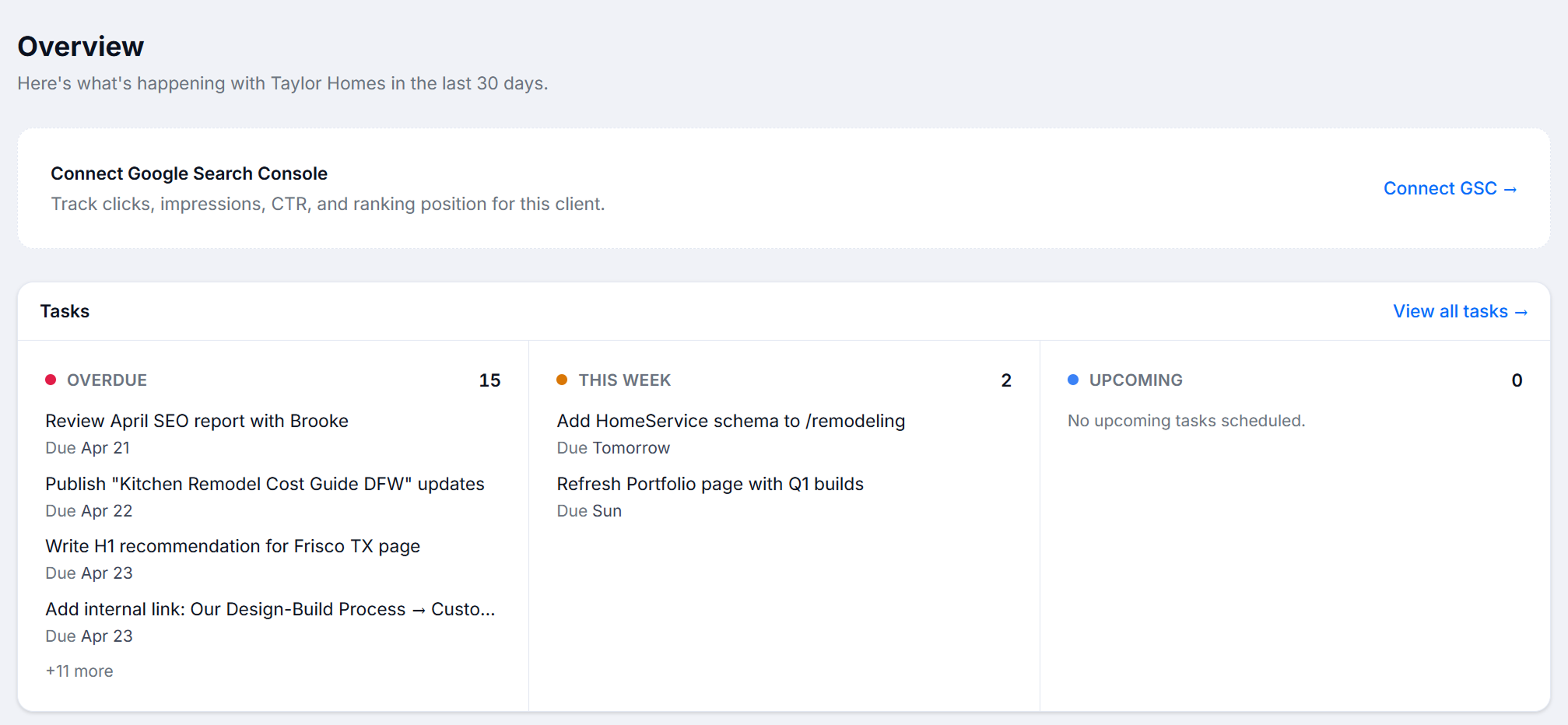
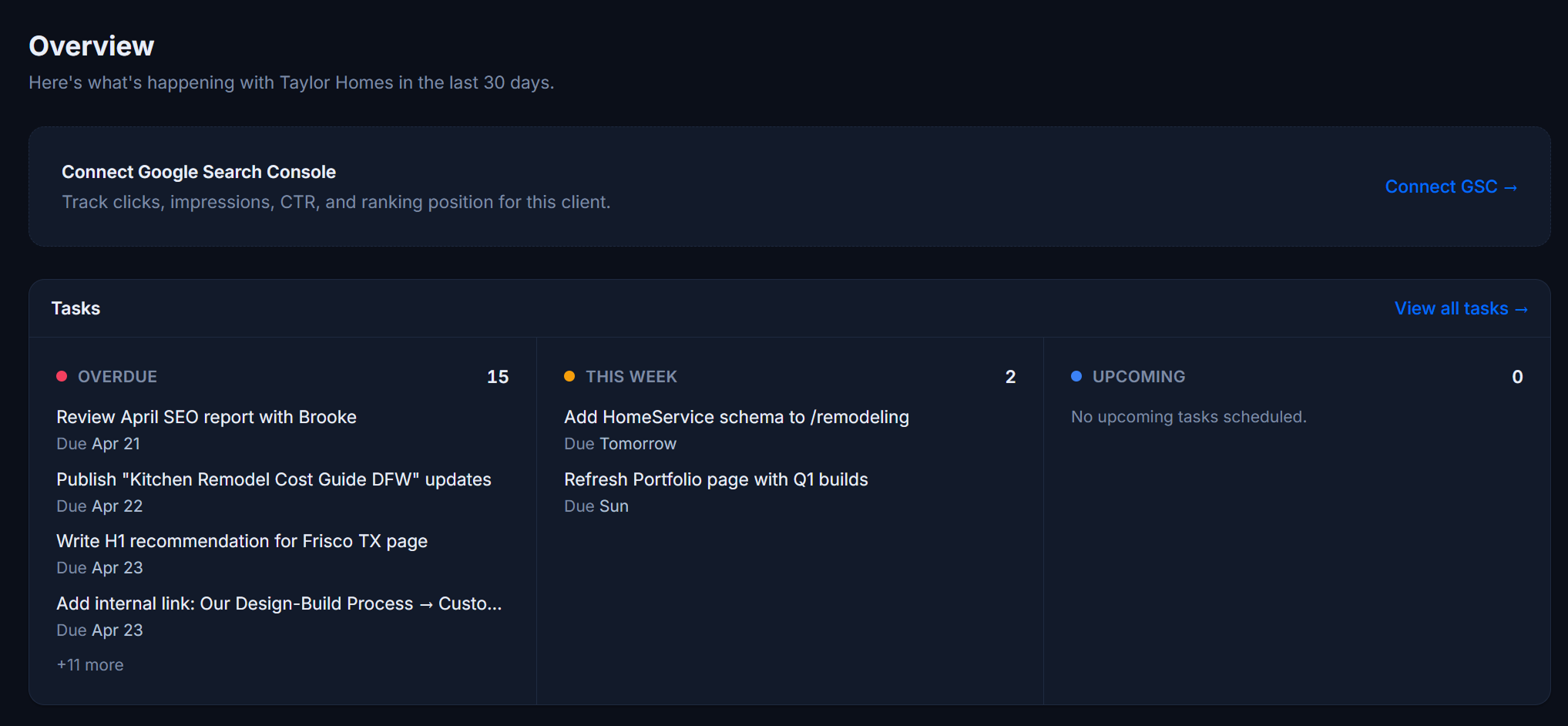
- Track open, overdue, upcoming, hidden, and completed tasks across SEO testing, link mapping, content work, GBP posts, and general SEO work
- Keep outside-the-tool tasks in the same client record, so implementation, reporting, outreach, and strategy work do not disappear into separate spreadsheets
How Client Management Works
From new account setup to weekly execution
Create the client
Add the client name, domain, contact, monthly fee, services, audience, and brand context so every RankNest tool starts from the same record.
Connect Google data
Attach the client-specific Google Search Console property and Google Business Profile location instead of mixing accounts in one shared view.
Organize the work
Run audits, tests, link maps, section scrapes, review mining, and GBP posts inside the client workspace, then add general SEO tasks for work done elsewhere.
Manage the account
Use task status, health signals, revenue, activity, and performance metrics to see what needs attention before a client call.
One task system, in and out of RankNest
Use RankNest as the client command center even when the work happens in a CMS, a dev queue, a spreadsheet, or a client meeting.
SEO testing tasks
Track experiments, review dates, and follow-up work from title, meta, H1, and content tests.
Link mapping tasks
Move linking recommendations into a practical punch list and mark implementation work complete.
Audit and content tasks
Assign technical fixes, content updates, competitor research, and section scraping follow-ups.
Local SEO tasks
Keep Google Business Profile posting, location work, and local content tasks tied to each client.
General SEO tasks
Add work that happens outside RankNest, such as outreach, approvals, reporting, dev tickets, and client requests.
Account oversight
See overdue work, recent activity, connected data sources, and health signals before small issues become account risks.
Each client, attached to the right Google accounts
Agency reporting breaks when data sources get shared, mislabeled, or tracked somewhere else. RankNest keeps the connections tied to the client they belong to.
Google Search Console per client
Map each client to the correct GSC property so RankNest can use clicks, impressions, CTR, position, and URL discovery where it matters.
Google Business Profile per client
Connect the right Google Business Profile location for each account, formerly Google My Business, so local posting stays organized by client.
Revenue context
Store monthly fee values on client records and see active-client revenue context alongside workload and project counts.
See the account, not just the tool
Client management ties the operational layer to the SEO layer: account health, work status, performance, and revenue in the same place.
Work status at a glance
See what's overdue, what's coming up, and what's done, without opening every individual tool.
Performance context
GSC metrics and recent client activity in the same place, so the work you prioritize is the work that can move the account.
Revenue awareness
Monthly fee sits next to workload and project activity, so high-value accounts don't disappear into the queue.