
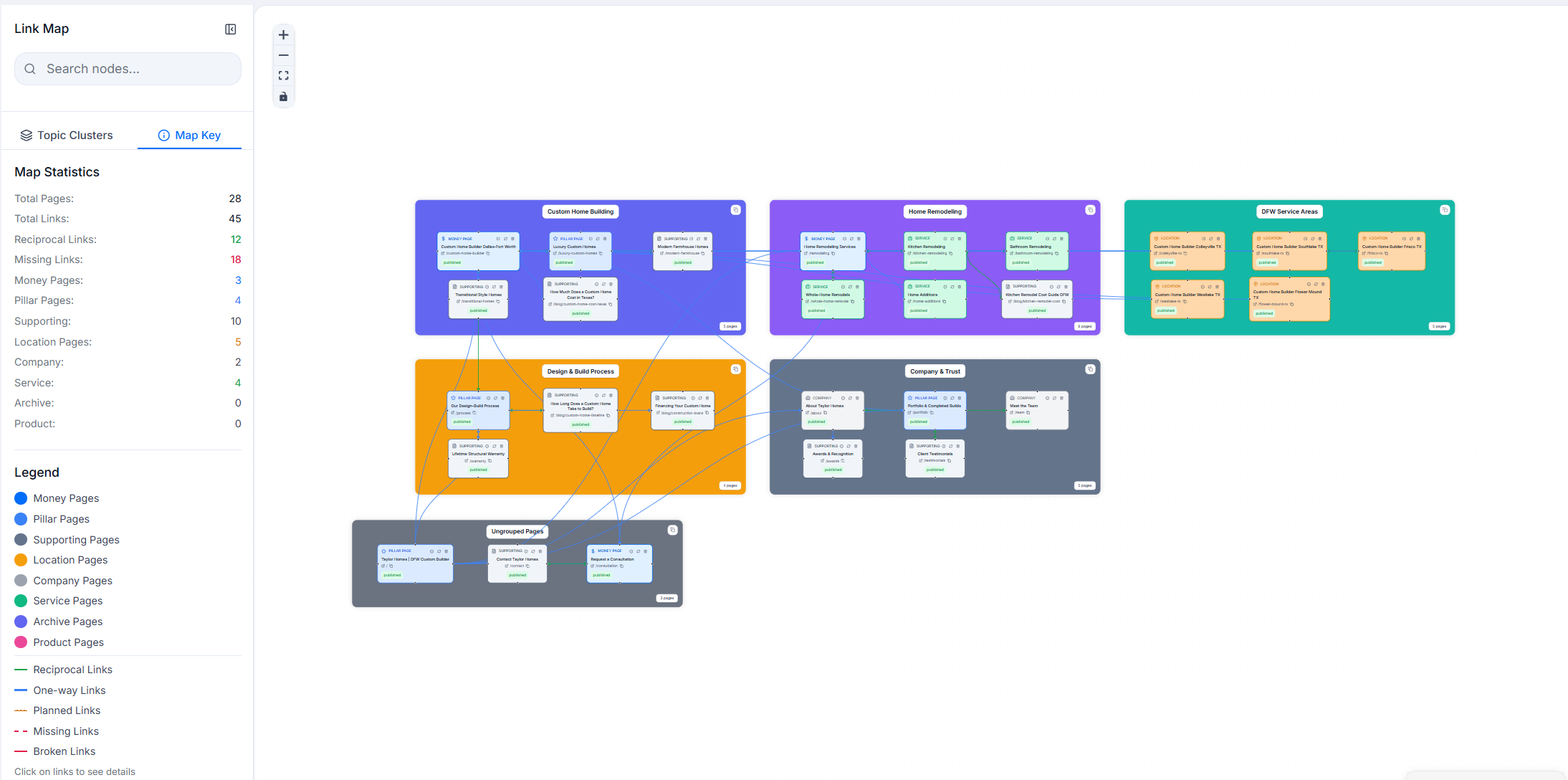
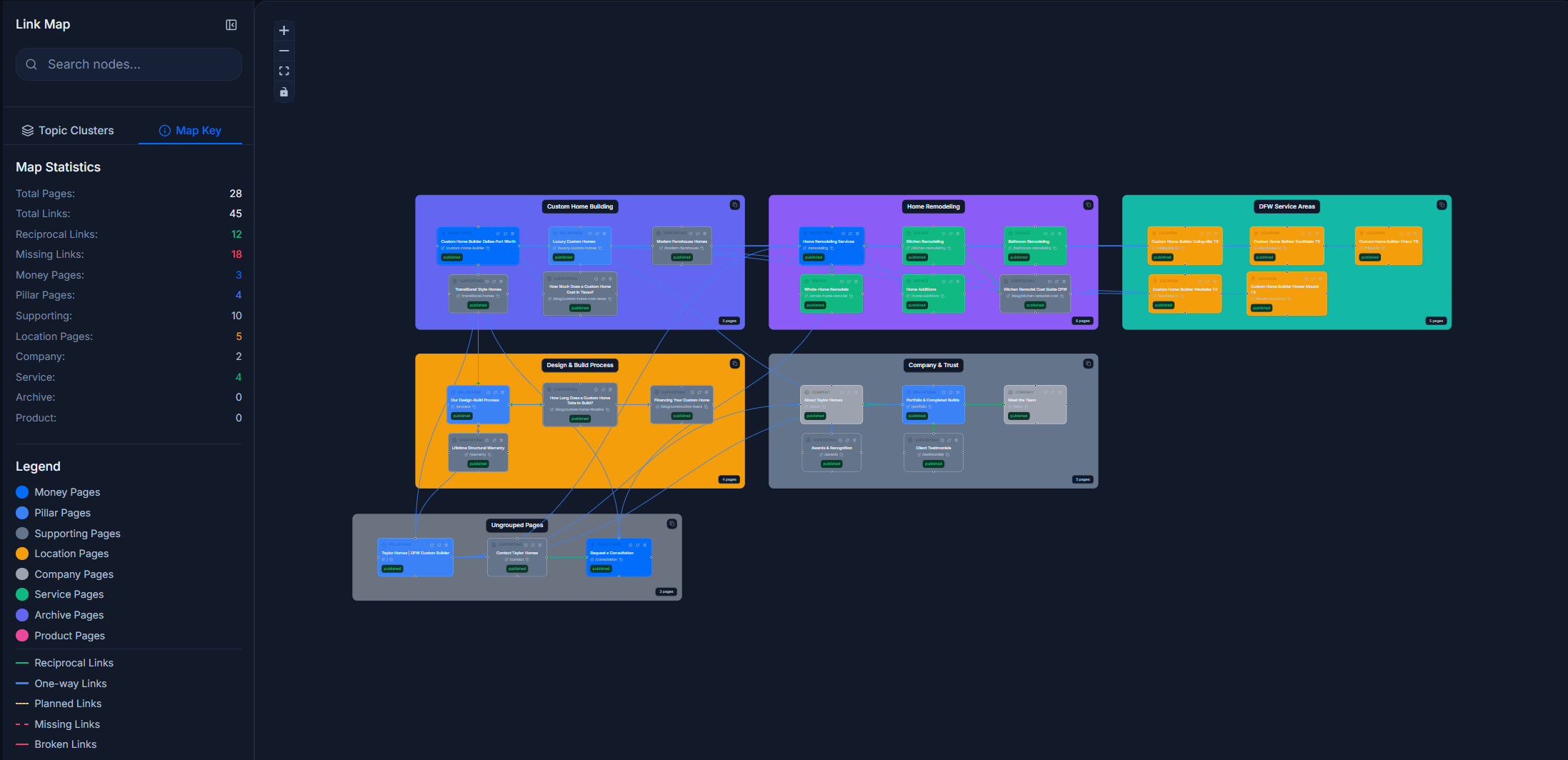
Ditch the Spreadsheets
Stop tracking internal links in spreadsheets. RankNest crawls your site, draws every page as a node, and shows you exactly how the architecture holds together, or doesn't.
- One-click site crawl with anchor text captured on every internal link
- Visual canvas with topic clusters, hierarchy, and custom icons
- AI Linking Plan that tells you which links to add next
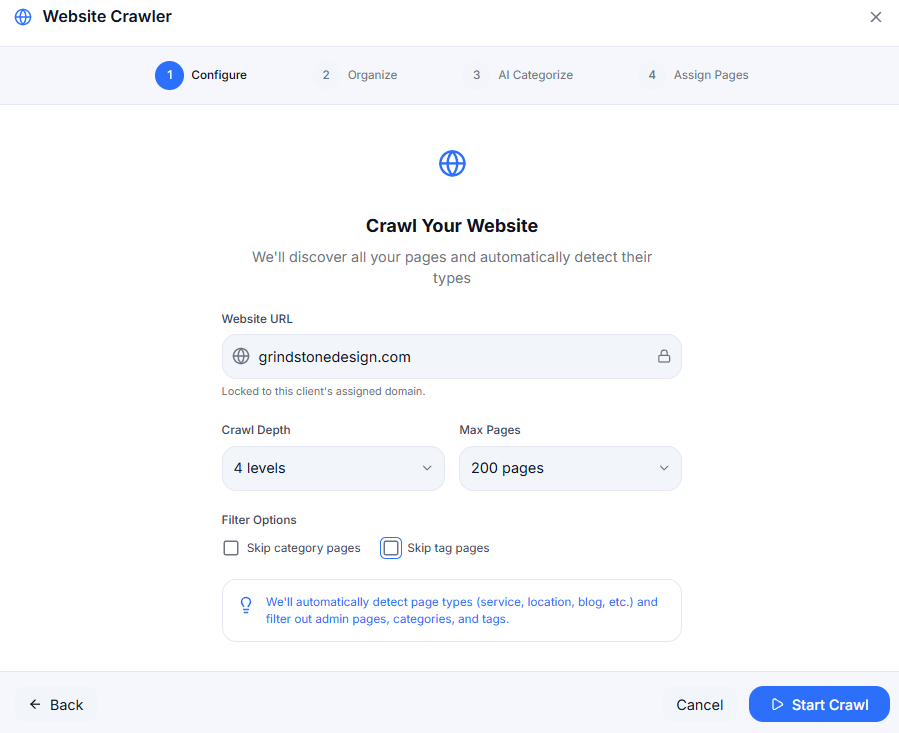
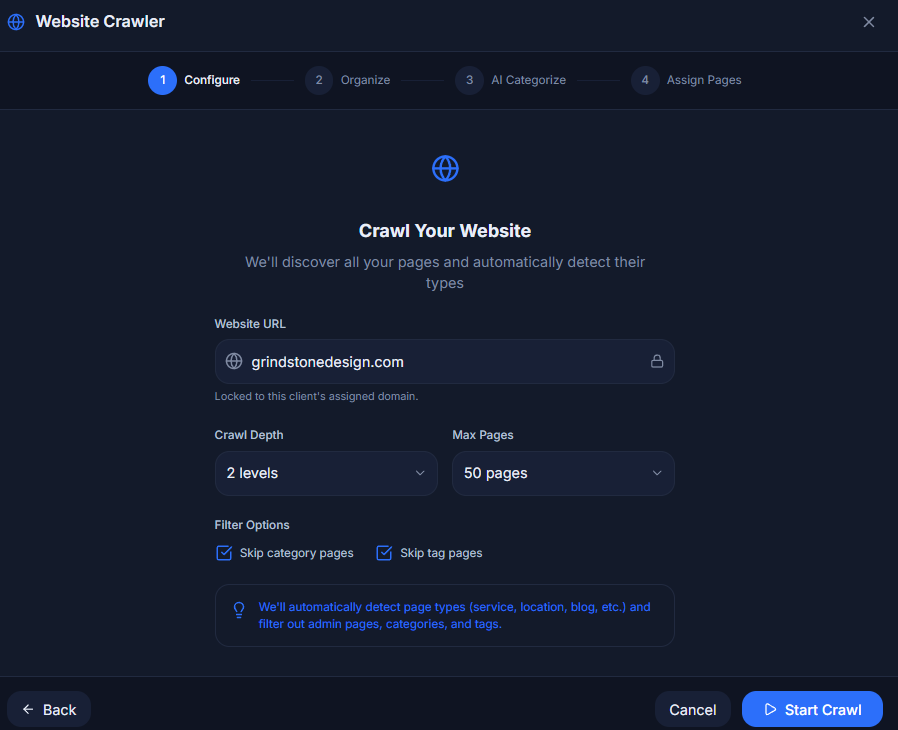
Point it at a URL, we handle the import
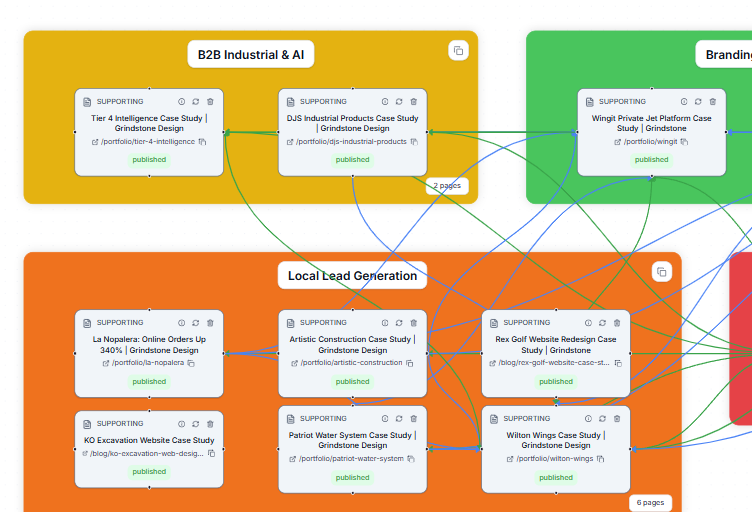
Paste a domain. The crawler finds the sitemap, walks the internal links, and pulls back page titles, meta descriptions, word counts, and the anchor text used on every internal link. It runs in the background while you get coffee.
- Sitemap discovery plus link traversal, so nothing gets missed
- Every internal link is captured with its anchor text, so you can audit keyword usage at a glance
- Pages are auto-classified by type: money, pillar, supporting, service, location, and product
A canvas built for SEO, not a whiteboard
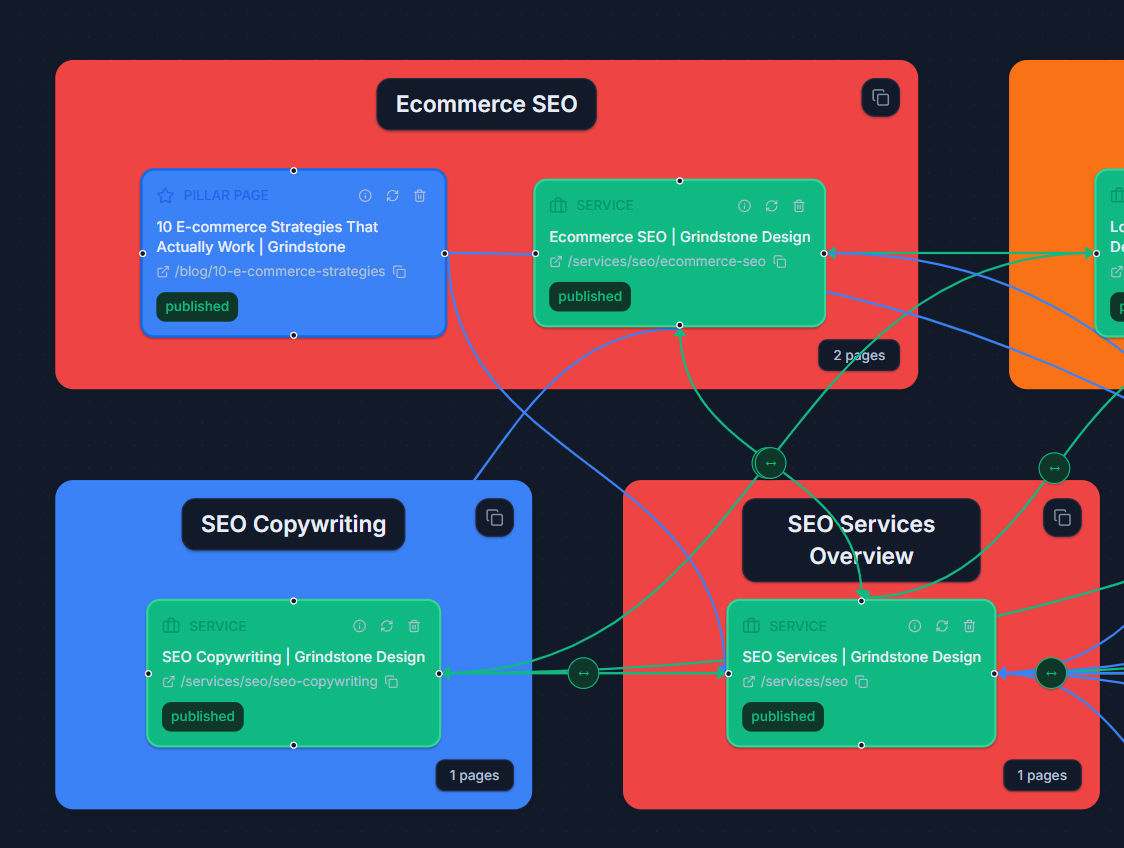
This isn't Miro with SEO tooling bolted on. The canvas knows what a topic cluster is, which pages are pillars, and how links should flow between them. Hide the cross-cluster links when you're zoomed into one cluster, show them all when you're auditing the whole site.
- Drag pages into clusters and watch the hub-and-spoke structure form in real time
- Toggle cross-cluster links on or off so you can focus on one cluster or audit the whole graph
- Hierarchical categories with custom icons, plus multiple maps per client for the main site, the blog, and local pages
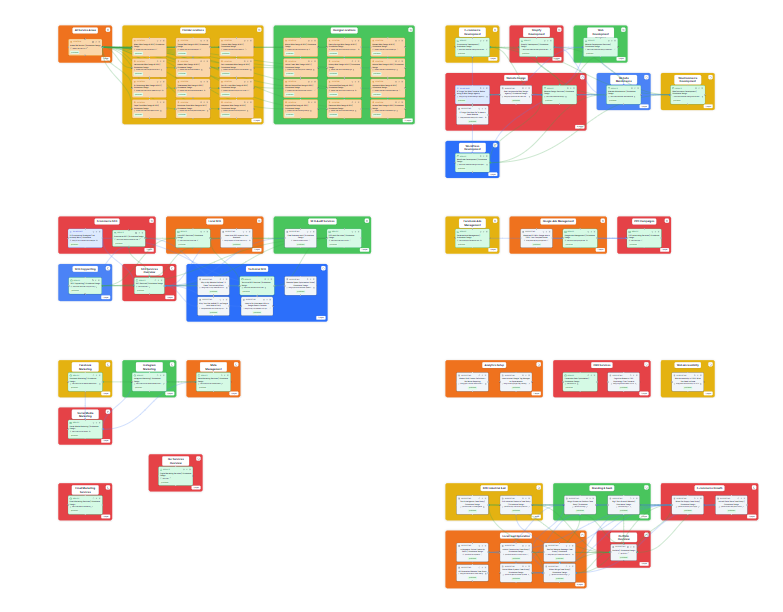
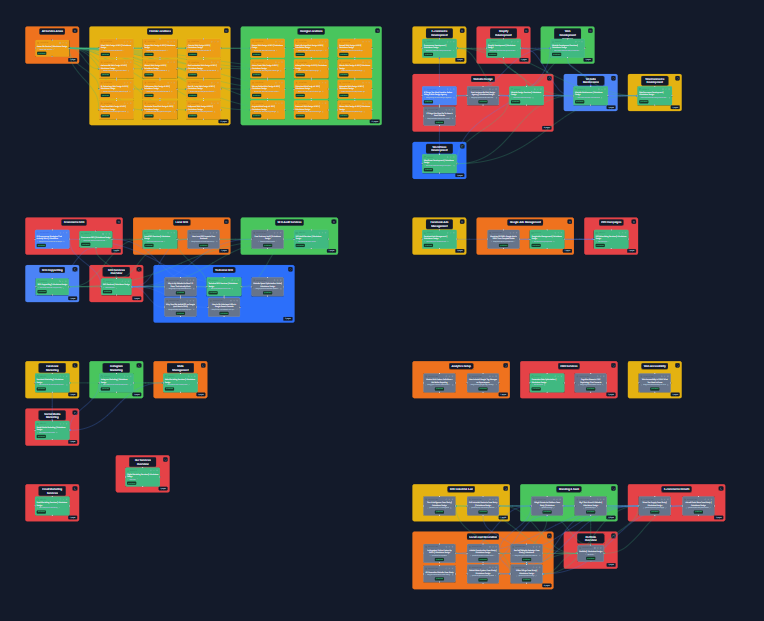
Cross-cluster links hidden so each topic cluster reads cleanly
The AI Linking Plan
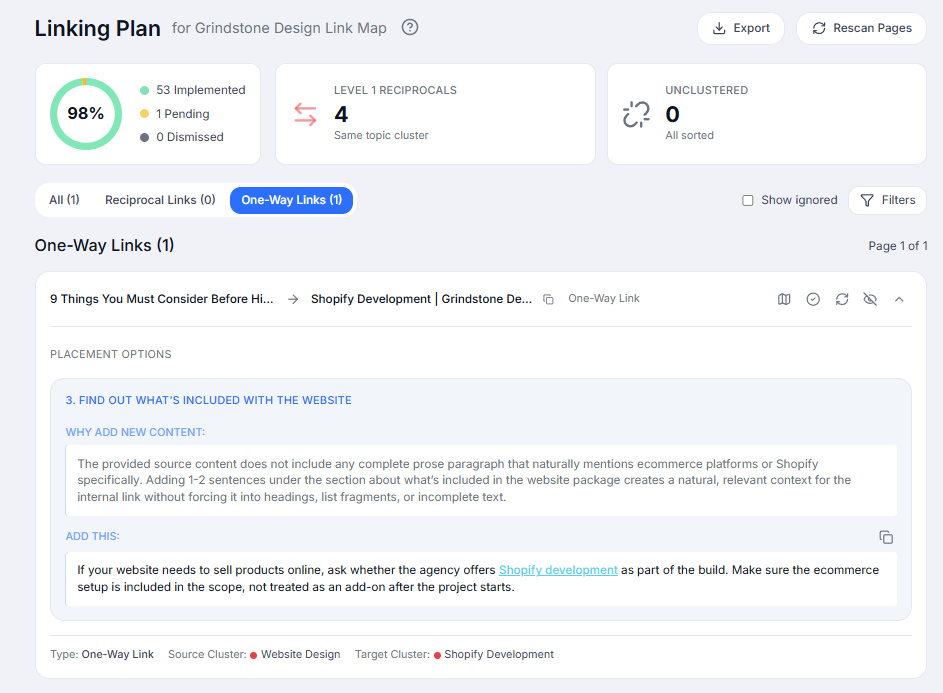
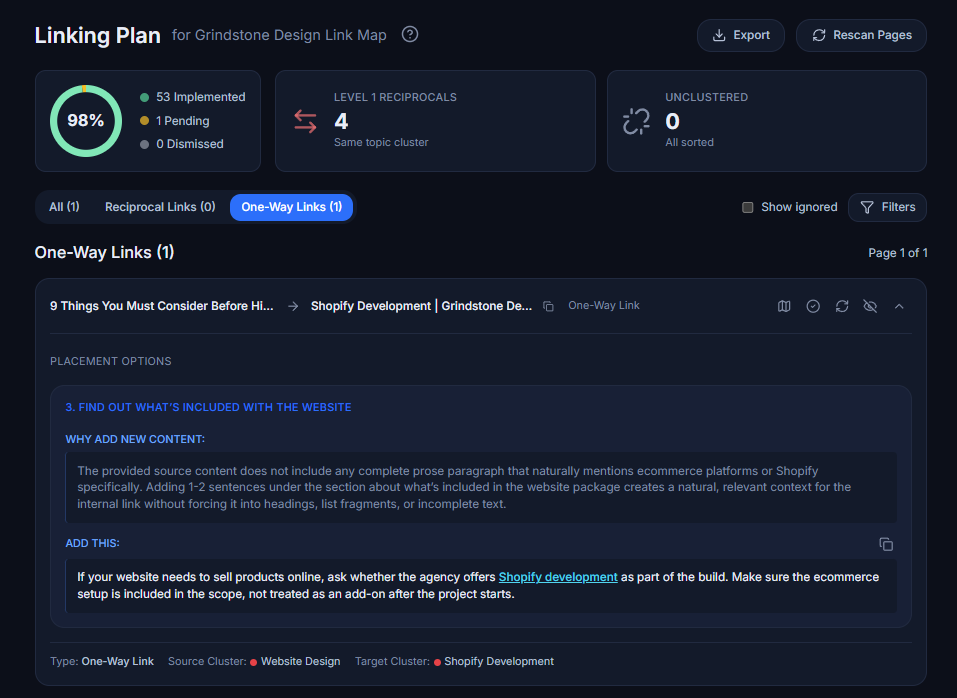
Once your map is built, click Generate. The AI reads the whole architecture and returns a prioritized list of the internal links you're missing: orphan pages that need rescuing, pillar pages that should feed their money pages, and cluster-mates that ought to link to each other.
- Four recommendation types: orphan pages, missing hub-to-spoke links, missing reciprocals, and missing same-cluster links
- Every recommendation gets a priority (critical, high, medium, low) and a plain-English reason you can paste into a ticket
- Respects cluster structure, so the AI won't tell you a product page should link back to a blog post
Work the plan like a punch list
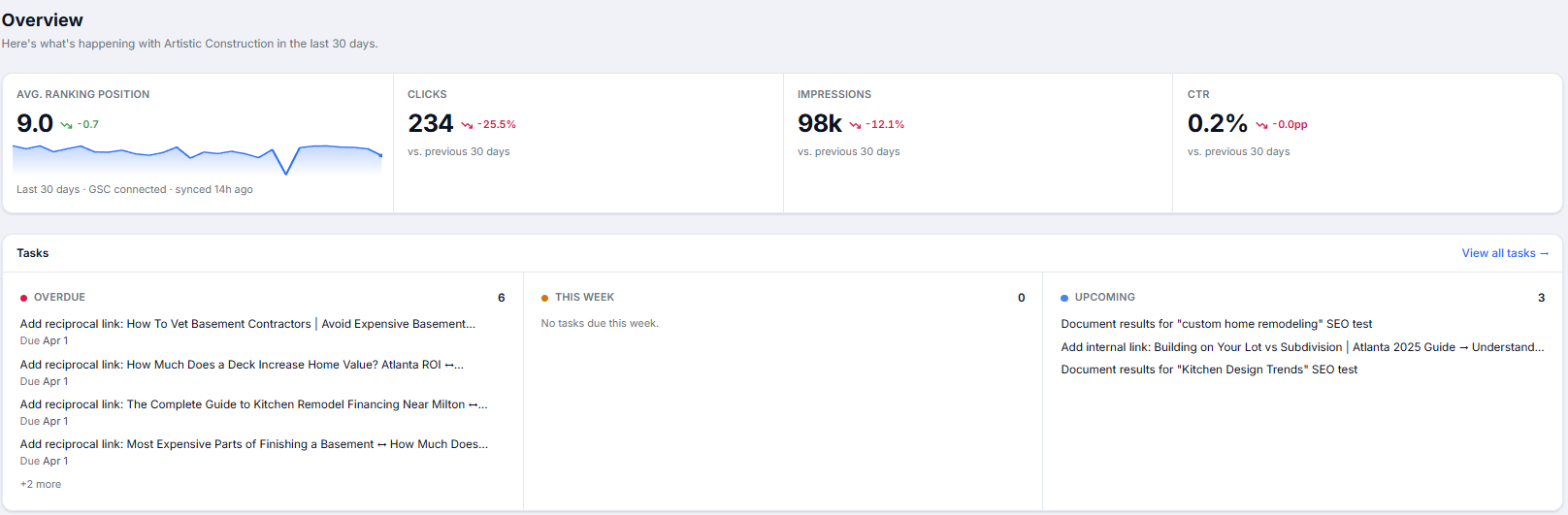
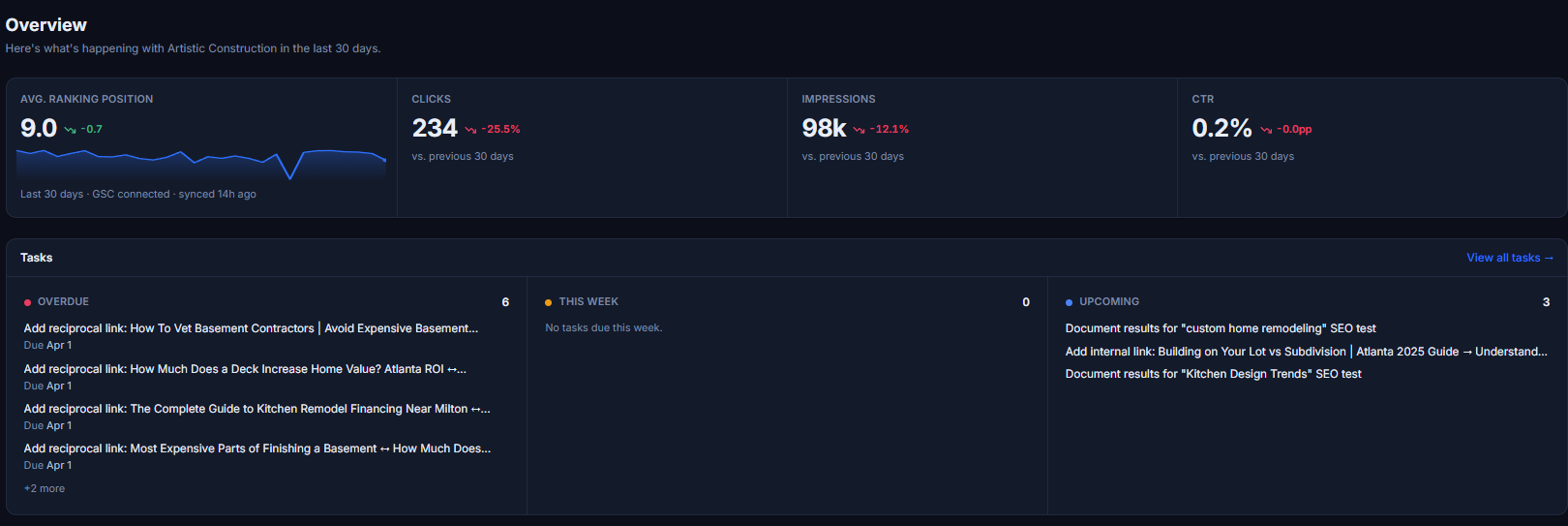
Everything lives inside your RankNest dashboard, so you're not bouncing between tools to manage it. Expand any card to get an AI-drafted anchor text and a placement suggestion, copy them straight into the CMS, and mark the rec complete. A progress ring tracks implemented vs pending, so you can hand the plan to a writer and check progress later without chasing status updates.
- Expand any card and the AI drafts an anchor text and a placement suggestion you can copy straight into the CMS
- Filter by type, level, or status to work through reciprocal, one-way, and orphan links in whatever order fits your process
- Recrawl the site and implemented links auto-mark as done, so the list stays current without manual checkbox work
How link mapping works
From crawl to AI plan in four steps.
Crawl Your Site
Paste a URL. The crawler walks your sitemap and internal links, pulling page titles, anchor text, and link counts automatically.
Organize into Topic Clusters
Drag pages into hub-and-spoke clusters. Add hierarchical categories and custom icons to mirror how the site is actually structured.
Generate the AI Linking Plan
Click Generate. The AI returns a prioritized list of orphan pages, missing reciprocal links, and cluster-mates that should link to each other.
Implement, Recrawl, Report
Mark links as you add them or recrawl to auto-detect implemented ones. Export the map as CSV/JSON or share a live view with the client.
What this saves you
Past the pretty picture, here's what changes day to day.
Save Hours Per Client
What used to take 8 hours in Screaming Frog + spreadsheets now takes 15 minutes with RankNest.
Find Orphan Pages
Automatically detect pages with no internal links. Fix them to improve crawlability and rankings.
Plan Topic Clusters
Visualize hub-and-spoke content structures. Organize pages into logical topic clusters for topical authority.
Track Anchor Text
See all anchor text used for every internal link. Optimize for keyword relevance and diversity.
Drop it in client decks
A node-based map of a client site reads in five seconds. Clients see what you mean instead of squinting at a spreadsheet column.
Skip the manual link audit
The AI Linking Plan flags every missing internal link, ranks it by priority, and auto-marks it done on the next recrawl.