
Free 14-day trial · No credit card
Stop copy-pasting headings from open tabs
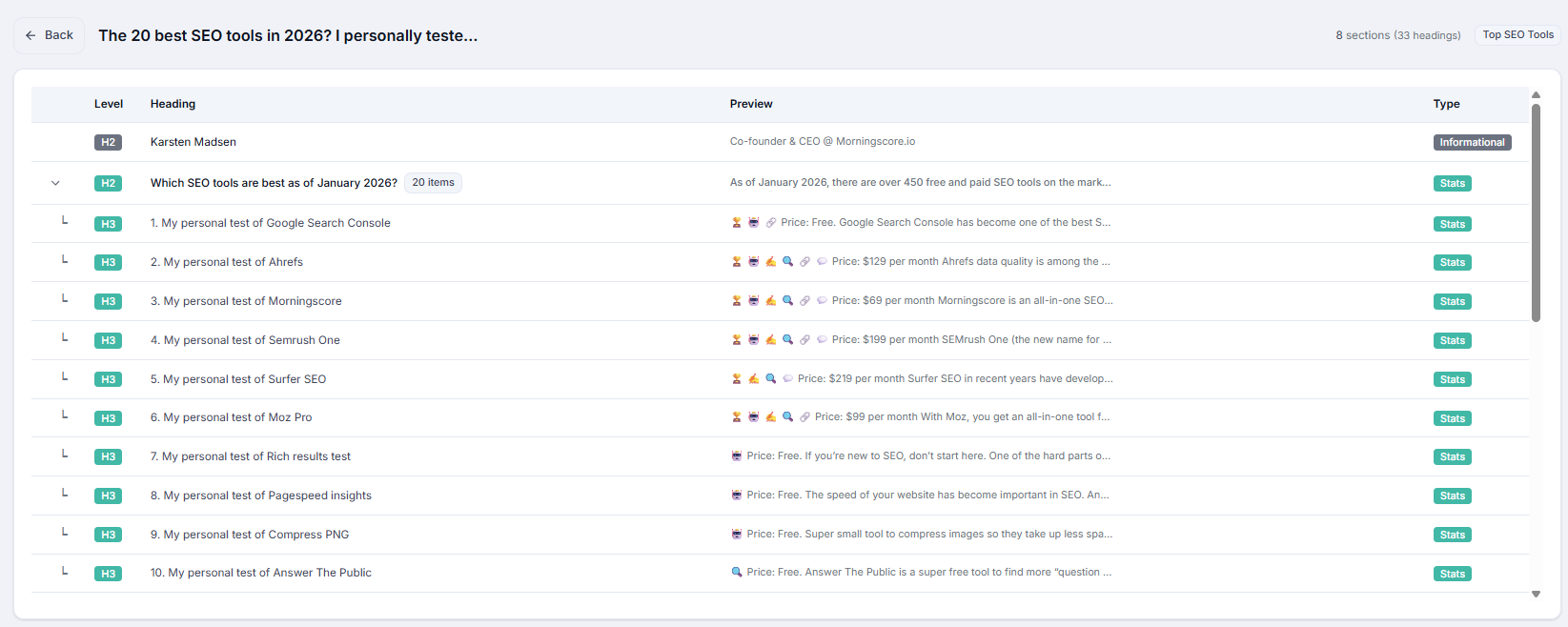
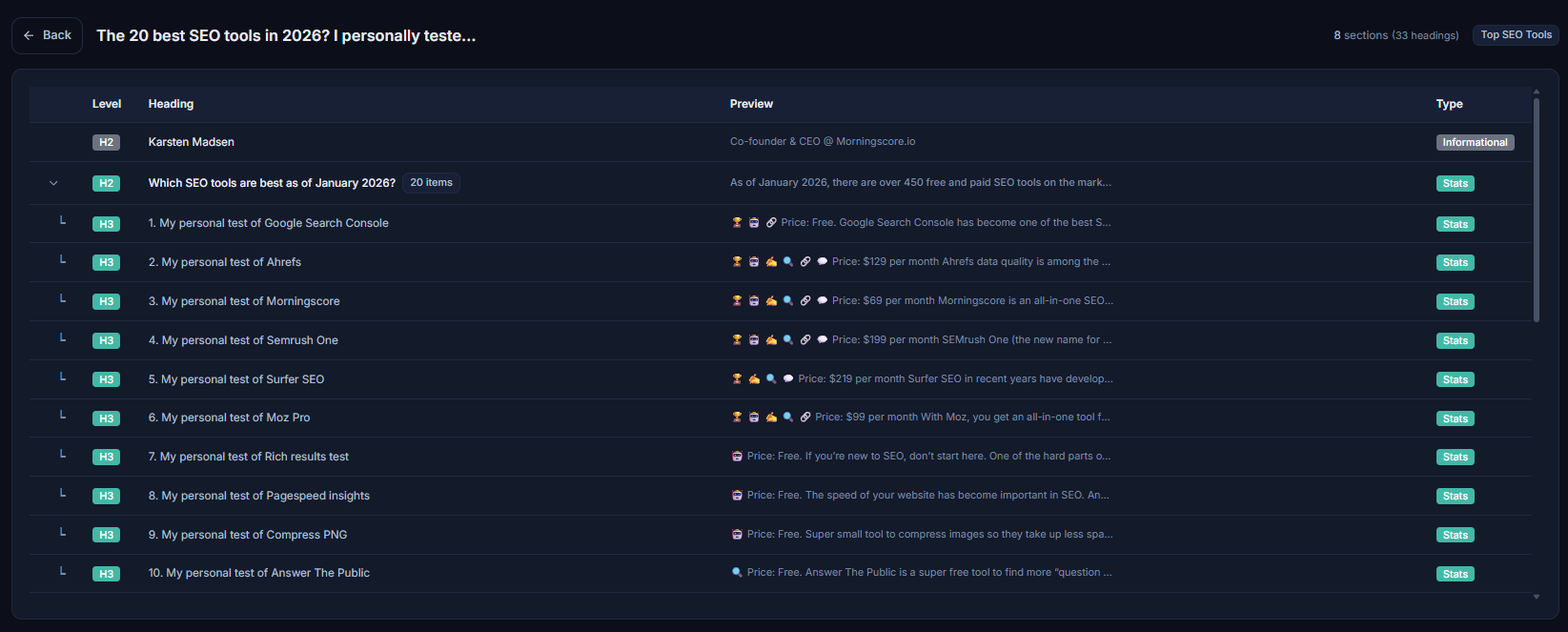
RankNest scrapes each URL and hands you a bullet outline of every section, with word counts and parent/child relationships kept intact. Ten competitor outlines in the time it used to take to skim one.
- Batch competitor URL scraping
- Extracts H1, H2, H3, and H4 headings
- Parent/child heading relationships kept intact
- Word counts per section
- Content preview beside every heading
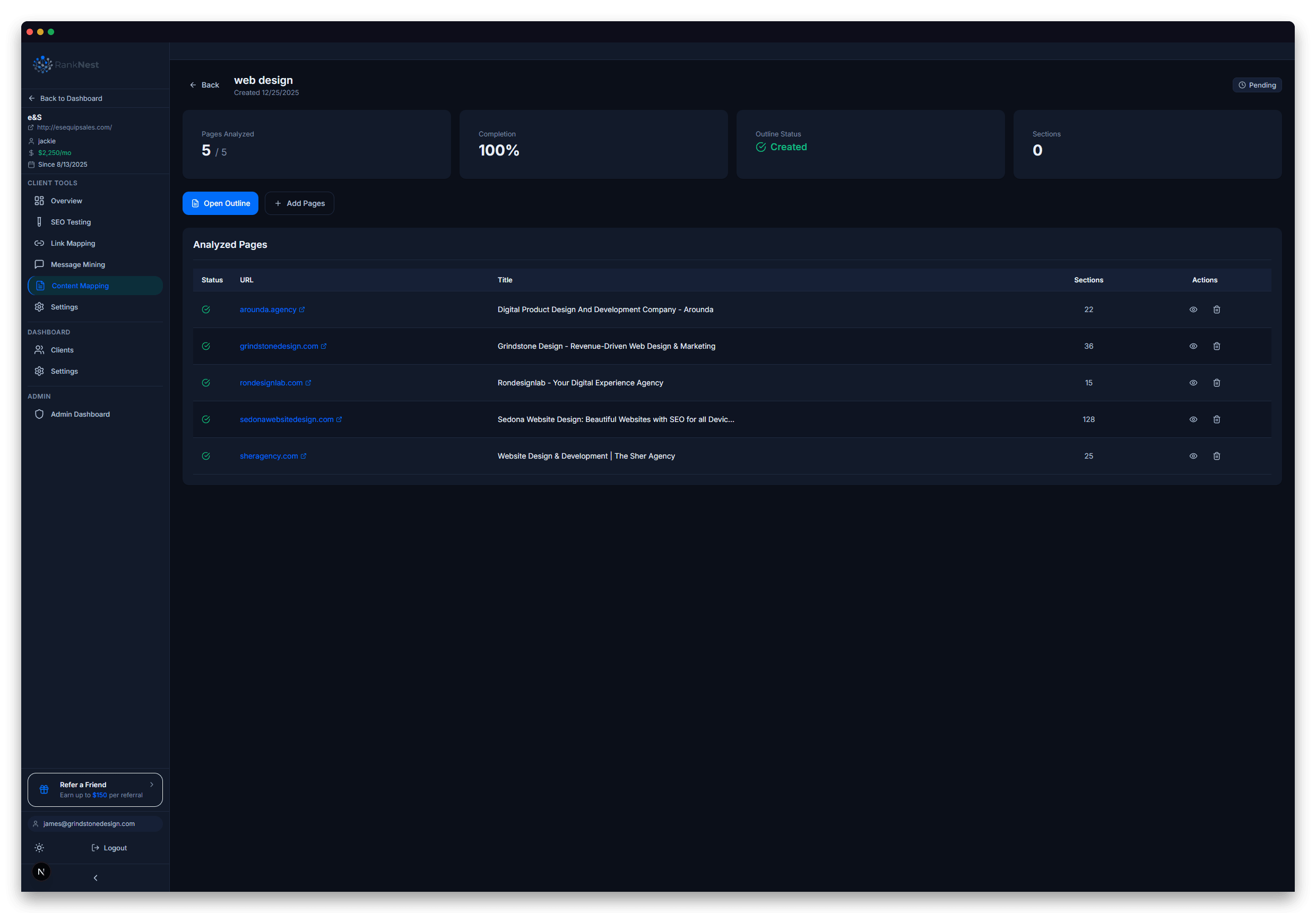
- Per-page section browser
- Bulk URL imports
- Projects organized by target keyword
How section scraping works
From URL to structured outline in four steps.
Add competitor URLs
Paste the pages ranking for your target keyword and group them under a named project.
Scrape the structure
RankNest fetches each page and pulls the heading hierarchy, with parent/child relationships and section word counts preserved.
Browse the outlines
Open any page as a clean bullet outline. Compare how the ranking pages organize the same topic, side by side.
Build a better brief
Cover the sections every ranking page shares, then add the angle they all missed. The scrape stays saved, so briefs never wait on a re-crawl.
What gets extracted
Clean page structure. No AI hallucinations.
Heading hierarchy
H1, H2, H3, and H4 tags pulled and organized by parent/child relationship, exactly how the page is actually structured.
Section grouping
Each child heading is grouped under its parent H2, so you can see which subsections belong to which top-level topic.
Word counts
Word count per section, so you can spot which topics competitors invest the most depth in.
Content preview
A short content preview sits beside each heading, so you can skim without bouncing back to the source page.
Projects by keyword
Organize batches of competitor URLs under a target keyword. Come back later; the scrape is still there.
Add pages anytime
Start with a few URLs, add more later. The scraper picks up the new pages without re-processing the existing ones.